
How to Plan a YouTube Video Script
A structured script saves hours of editing later. Here's a simple framework you can use for any tutorial, vlog or list video.
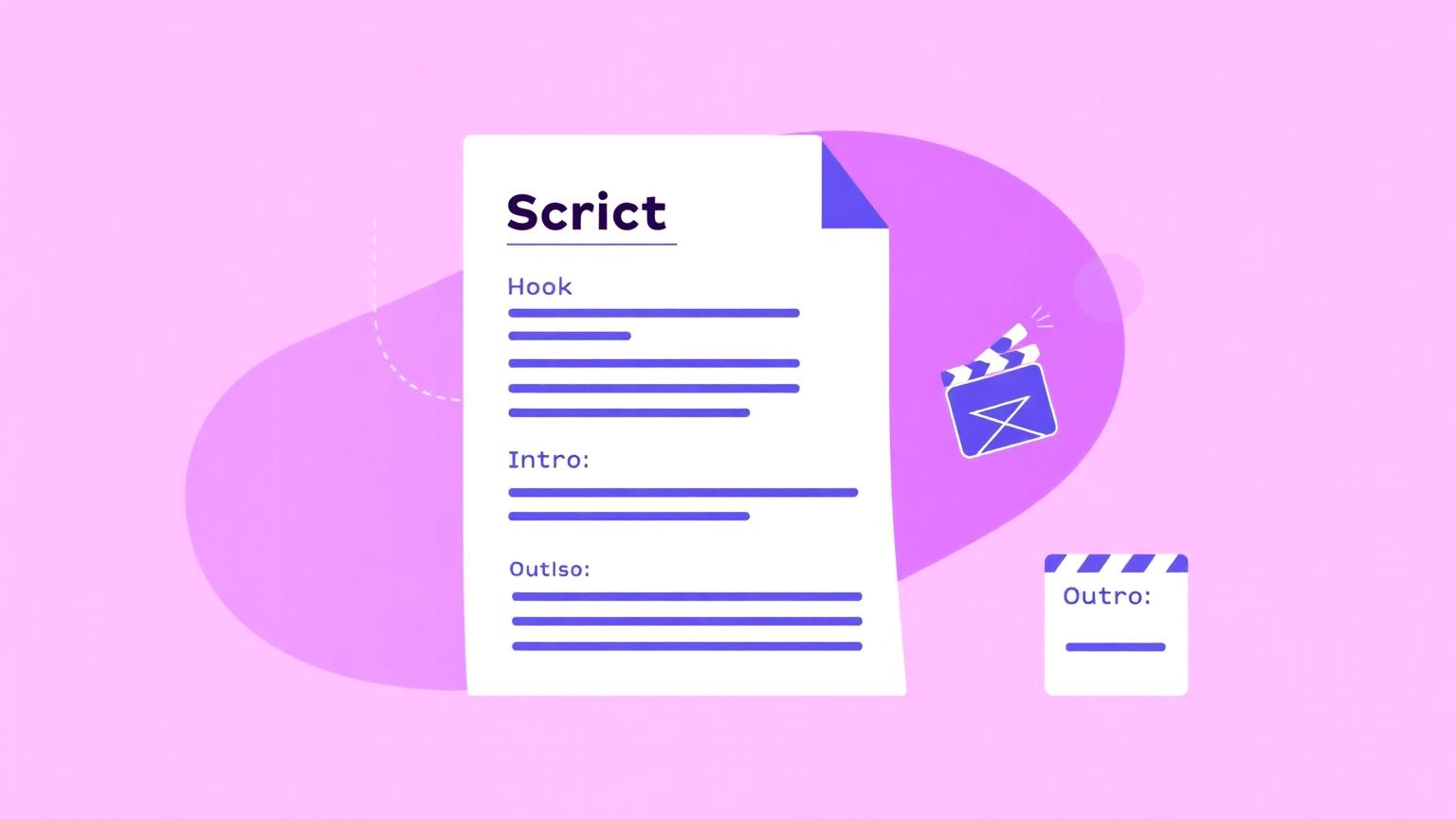
Most "bad" YouTube videos aren't bad because of the camera, the editing, or the lighting. They're bad because the script is unstructured. The viewer can feel you wandering. A simple script framework solves most of this in under an hour.
The five-section framework
Almost every YouTube video — long-form or Short — fits into the same five sections. The lengths change; the structure doesn't.
1. Hook (3–10 seconds) — the first sentence that makes the viewer commit. 2. Intro (15–45 seconds) — what the video covers, why it matters, what they'll get by the end. 3. Main content (3–5 beats) — the actual value, broken into clear sections. 4. CTA (5–15 seconds) — what you want the viewer to do (subscribe, comment, watch the next video). 5. Outro (5–15 seconds) — sign-off and a soft loop into the next video.
How to write the hook
Skip the "Hey guys, welcome back" greeting. Open on the most interesting sentence you have. Examples that work:
- "I made $0 from YouTube for 18 months. Then I changed one thing."
- "Here's the YouTube SEO mistake almost every beginner makes."
- "The fastest way to write a YouTube script — using nothing but a notes app."
Intro: tell them what they'll get
A clean intro answers three questions in 30 seconds: what is this video, who is it for, and what will I have by the end? "By the end of this video you'll have a 5-step script framework you can reuse for any video on your channel" — done.
The body: 3–5 beats, no more
Most viewers can comfortably hold 3–5 main points in their head. Six is too many; one is thin. Write each beat as a one-sentence summary first (the "spine") and only expand into full script copy once the spine feels strong.
Write the spine before the script
The single biggest time-saver is writing the entire video as a 5-line outline before you write any full sentences. Each line is one beat. If the outline feels confusing in 5 lines, the 800-word script will feel ten times worse. Lock the spine, then expand.
The CTA: be specific
Generic CTAs ("don't forget to like and subscribe") are easy to ignore. Specific ones convert. "If this framework helped, comment SCRIPT below and I'll send you the full Notion template I use." Pick one CTA per video. Don't ask for a like, a subscribe, a comment, a bell tap and a website visit in 15 seconds.
Outro: loop into the next video
The strongest outro is one that points to a relevant next video. YouTube rewards session length: every viewer who watches a second video on your channel feeds the algorithm. Don't end on "thanks for watching, bye" — end on "and if you want the next step, watch this."
Make AI scripts sound human
If you draft with AI, the output will read like AI unless you edit. Strip "in conclusion", "delve", "embark", and overly tidy four-item lists. Add a real anecdote, a contraction, one off-beat sentence. The AI Humanizer does this pass automatically, but always do a final read aloud — your ear is the best filter.
Let the tools help
If you want a structured starting point, the YouTube Script Generator builds a full script with all five sections labelled — long-form or Shorts. Treat it as a draft and rewrite each section in your own voice. The framework saves time; the voice is yours.
Try these TubeGrove tools
- YouTube Script Generator — full scripts with hook, intro, body, CTA, outro.
- AI Humanizer — turns AI text into natural creator voice.
- YouTube CTA Generator — specific CTAs that convert.
Related TubeGrove tools
Frequently asked
Should I write a word-for-word script?
For tutorials and explainers, yes — it cuts filler and tightens pacing. For vlogs, a bullet outline plus key lines is usually better.
How long should a 10-minute script be?
Roughly 1,400–1,600 words at a natural speaking pace. Read it aloud once before recording to catch awkward phrasing.
How many hooks should one video have?
One main hook in the first 15 seconds plus a small re-hook every 60–90 seconds (a question, a tease, a pattern break).
Disclaimer: TubeGrove is not affiliated with YouTube, Google or any third-party platform. Tips on this page are general guidance — results vary based on niche, audience, video quality and consistency.
Written and reviewed by the TubeGrove Editorial Team. We test every tool and update guides to keep advice current for YouTube creators.
Last updated · About TubeGrove · Contact us
Independent project — not affiliated with YouTube, Google or any third-party platform.
Keep reading
How to Write Better YouTube Titles That Get More Clicks
A practical breakdown of what makes a YouTube title clickable without crossing into clickbait — with…
How to Use YouTube Tags Without Keyword Stuffing
YouTube tags are smaller than people think — but used correctly they still help discoverability. Her…
YouTube Description Best Practices for Beginners
The first two lines of your description matter more than the rest combined. Here's how to write desc…